The keyboard is the one piece of computer hardware you touch for eight or more hours a day. A great mechanical keyboard makes typing genuinely enjoyable — the right tactile feedback, the right sound, the right build quality. We tested 12 to find the best across every use case and price point.
Mechanical keyboards have moved decisively mainstream in 2026. What was once a niche enthusiast product is now sold at Best Buy in every form factor. The range is enormous: from $40 entry-level boards to $400 custom-feeling pre-builts. Switch variety has expanded beyond Cherry MX — Gateron, Kailh, and Topre all have compelling options at competitive prices.
Our testing: a minimum of two weeks of daily typing and gaming per keyboard, measuring words per minute (WPM) changes, error rates, and comfort over long sessions. We also measured actuation force consistency, acoustic profile, and build quality longevity under simulated heavy use.
The Top Mechanical Keyboards in 2026
Keychron Q3 Max — Best Overall
$199. The Q3 Max represents the current sweet spot of build quality, switch quality, and price. CNC-machined aluminum chassis (1.3kg — genuinely solid on the desk), Keychron K Pro Red/Brown/Blue switches (your choice), hot-swappable PCB, and gasket mount for a quieter, more cushioned keystroke. Both wired and Bluetooth 5.1 in one keyboard. Per-key RGB. The gasket mount noticeably reduces hand fatigue during long typing sessions compared to top-mount boards. At $199, it delivers what $300 boards offered three years ago.
Logitech MX Mechanical — Best Wireless for Office Use
$169. Logitech's MX line has always meant "designed for productivity," and the MX Mechanical delivers. Quiet Red (linear, quiet), Click (tactile/clicky), or Low Profile switches. The Easy-Switch feature lets you pair to three devices and switch instantly — critical for anyone who works across a laptop, desktop, and tablet. The Logitech Options+ software is genuinely useful for programming keys and tracking usage. Backlit for dark offices. Battery lasts up to 15 days with backlighting, 10 months without. For a clean-desk professional, this is the pick.
SteelSeries Apex Pro TKL (2026 Edition) — Best for Gaming
$179. The OmniPoint 2.0 adjustable magnetic switches are still the most configurable gaming switches available — adjust actuation from 0.1mm to 4.0mm per-key. The difference between 0.2mm and 3.8mm actuation is huge in competitive gaming: faster actuation for gaming actions, longer travel for typing. The 2026 edition adds improved Hall Effect sensors for longer switch longevity (rated 100 million keypresses). OLED display for quick setting changes. The tenkeyless layout reduces mouse travel distance — relevant for gaming. The best quantifiable edge for competitive PC gaming.
Keychron C3 Pro — Best Under $50
$39. The most value-per-dollar in mechanical keyboards in 2026. Gateron G Pro Red/Brown/Blue switches, hot-swappable (yes, at $39), double-shot ABS keycaps, per-key RGB, and a solid enough build for the price. The plastic chassis produces more ping resonance than aluminum boards, which is addressable with foam dampening. As a starting point for anyone who wants to try mechanical keyboards without committing $150+, this is a genuine recommendation without caveats. Wired only.
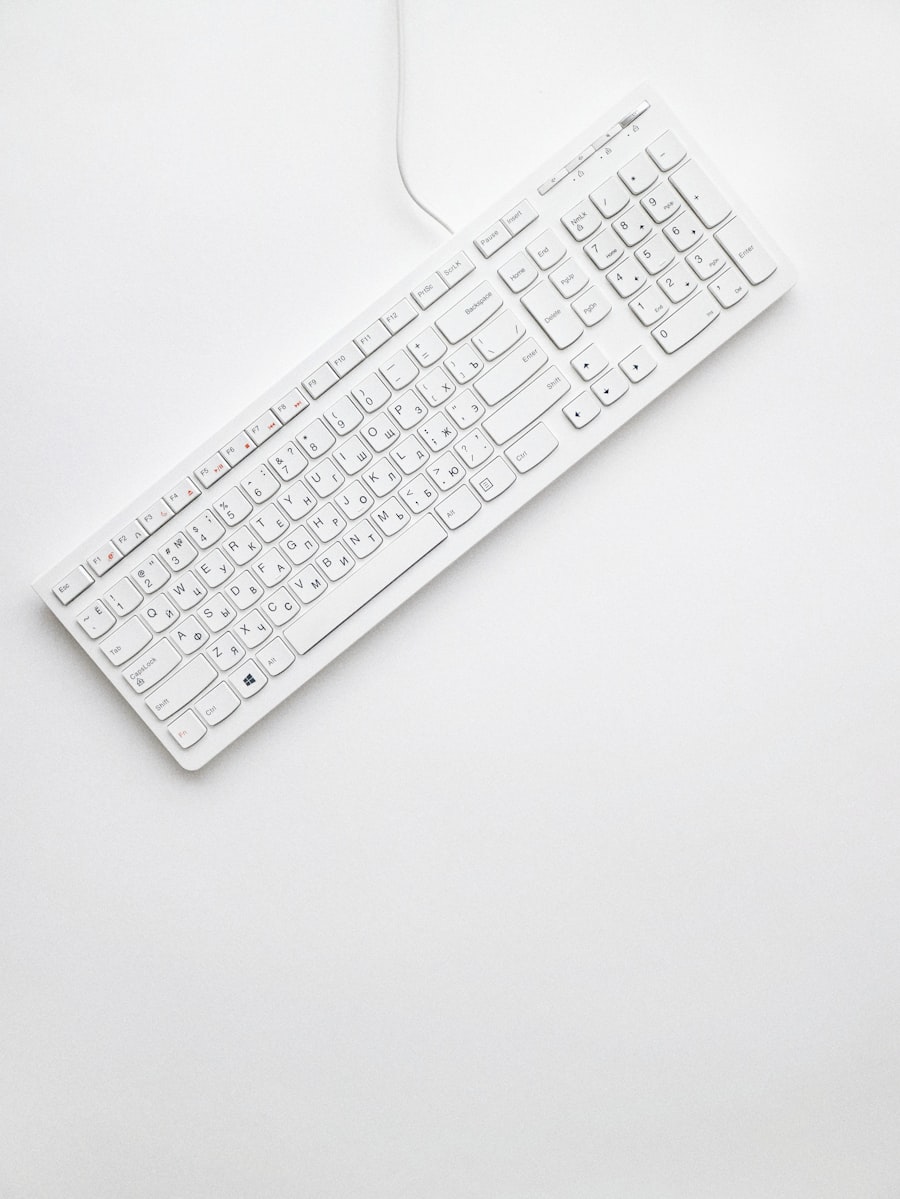
Switch type is the most important decision when buying a mechanical keyboard — linear (smooth), tactile (bumpy), or clicky (bumpy + audible click).
Switch Guide: Which Type Is Right for You?
Linear Switches (Red, Speed Silver)
Smooth keypress from top to bottom with no tactile bump. Preferred by gamers who want rapid key presses and quiet operation. Examples: Cherry MX Red, Gateron Yellow, Kailh Speed Silver. Trade-off: less tactile feedback means more accidental keypresses during fast typing for some users. Best for: gaming, quiet offices, users who prefer silky smooth feel.
Tactile Switches (Brown, Clear)
A bump before the actuation point gives you physical feedback that the key has registered without an audible click. The most popular switch type overall. Examples: Cherry MX Brown, Gateron Brown, Glorious Panda. Best for: general use, typing all day, users who want feedback without noise. Important note: Cherry MX Browns are often criticized for weak tactility — if you want tactile switches, try Boba U4, Glorious Panda, or Topre before settling on Browns.
Clicky Switches (Blue, Green)
Tactile bump plus an audible click sound on actuation. The most satisfying to type on for many people — and the most annoying to office coworkers. Examples: Cherry MX Blue, Kailh Box White. Best for: home offices, solo setups, users who want maximum typing satisfaction and don't share workspace.
"Trying a switch before committing to a full board is worth the effort. Most keyboard vendors sell switch testers for $10–15, and the difference between a switch you love and one you tolerate is felt over every word you type."
Form Factors Explained
- Full-size (100%): Includes numpad. Best for: data entry, spreadsheet-heavy work, finance professionals.
- TKL (80%): No numpad. Smaller footprint, more mouse space. Best for: most users, gaming, mixed work/gaming setups.
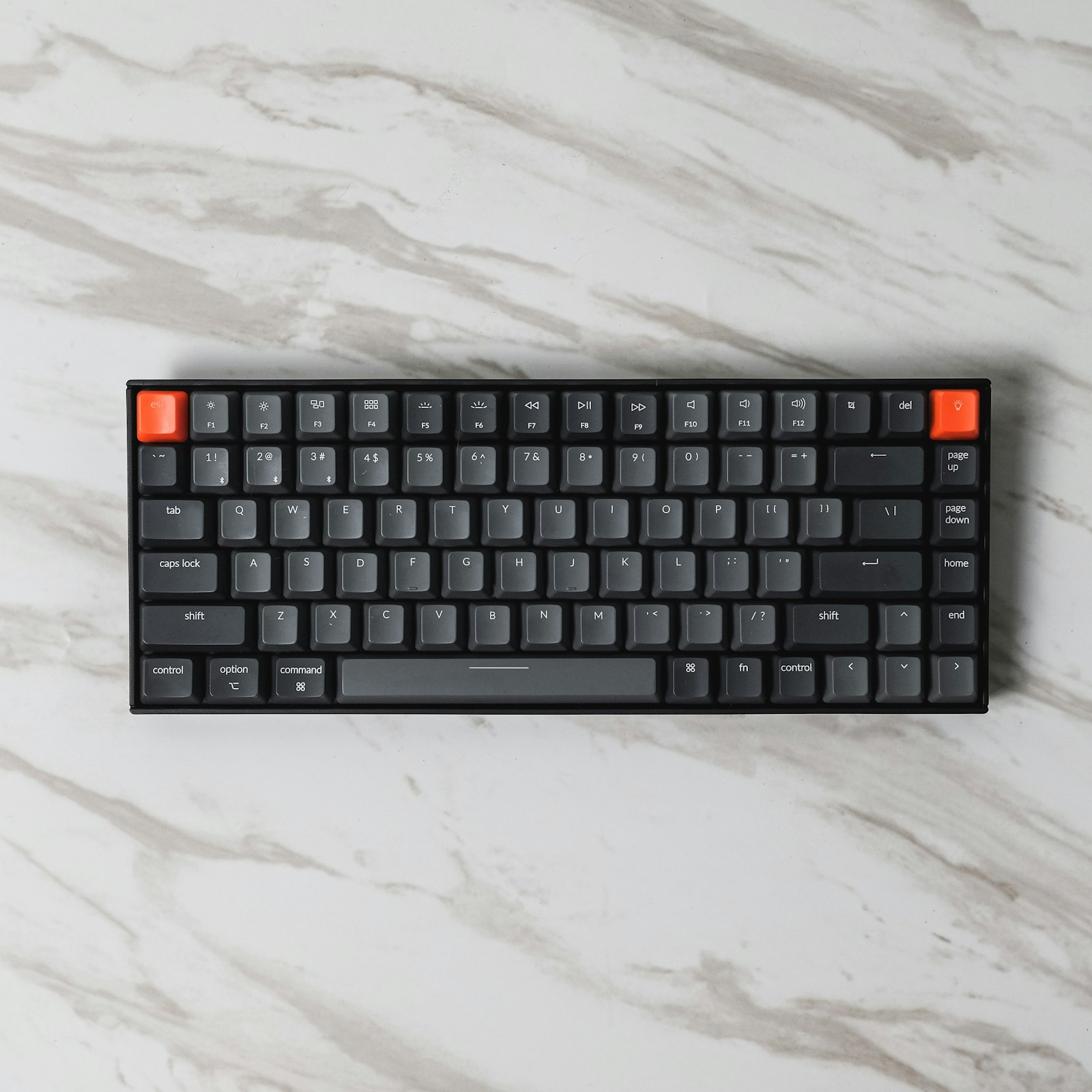
- 75%: TKL compressed — arrow keys and function row, no gaps. Best for: those who want compact without losing navigation keys.
- 65%: Arrow keys, no function row. Compact but still navigation-capable. Popular choice in 2026.
- 60%: Most compact — arrow keys and nav cluster accessed via function layer. Best for: maximum portability, aesthetic builds.
What to Look for at Each Price Tier
Under $60: Prioritize hot-swap capability over everything else. Being able to swap switches later means you're not locked into your first switch choice. The Keychron C3 Pro is the benchmark here.
$60–$150: Aluminum or aluminum-top chassis should be available here. Gasket mount becomes accessible. Wireless options appear. The Keychron K series and Logitech G Pro X series live in this range.
$150–$250: Full gasket-mount aluminum builds, better PCB quality, more switch options. This is where the quality gap versus the previous tier becomes clearly audible and tactile. The Keychron Q series and SteelSeries Apex Pro TKL are the benchmarks.
Above $250: You're entering the custom keyboard territory. For most users, diminishing returns set in above $200 — the price increases reflect premium materials and exclusivity more than functional improvement in the daily typing experience.

Editor-in-Chief at GadgetPulse. Alex has tested over 40 mechanical keyboards since 2019 and maintains a personal collection of 8 boards with different switch types. He types an estimated 3 million keystrokes per year across his work and testing, which he considers a legitimate qualification for keyboard opinions.